How to stop my Outlook inbox filling up
Mail Archiver for Outlook
Your inbox is not full because you are disorganised. It is full because filing by hand takes more clicks than anyone has time for, so the mail stays put and the search results get noisier. Here is a practical way to fix both problems without risking the invoices, orders and renewals you need to keep.
Automate Joomla Staging Sync on a Schedule
SnugStage
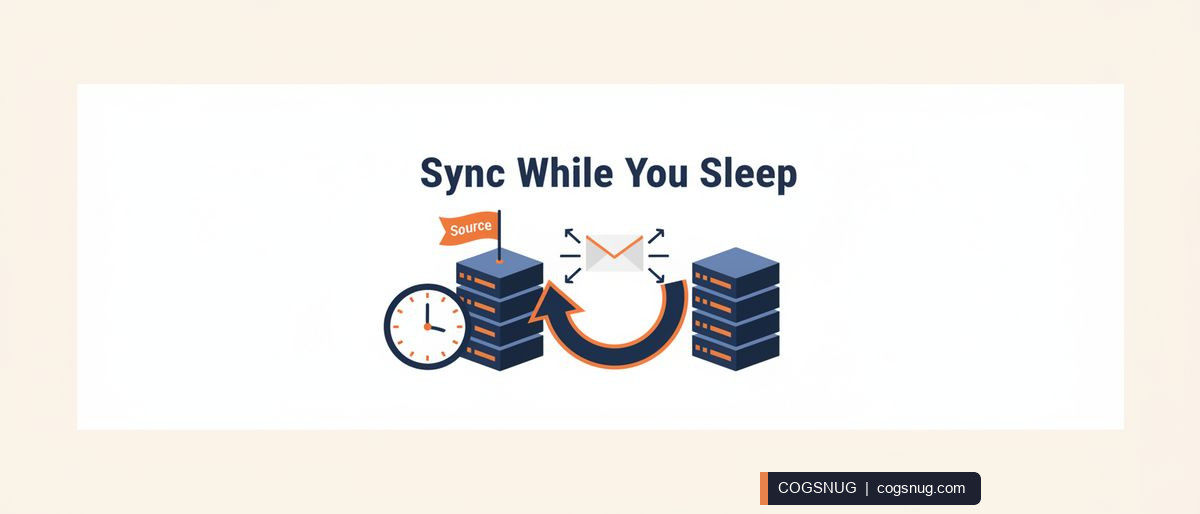
If your staging routine depends on remembering to run a sync, it will eventually slip. SnugStage puts scheduled sync, selective sync and email alerts inside your Joomla admin panel, so the routine parts of staging happen without you. Here is how a normal working day changes.
OTOBO Backup Script vs Plugin: A Practical Guide
Backup Tools for OTOBO
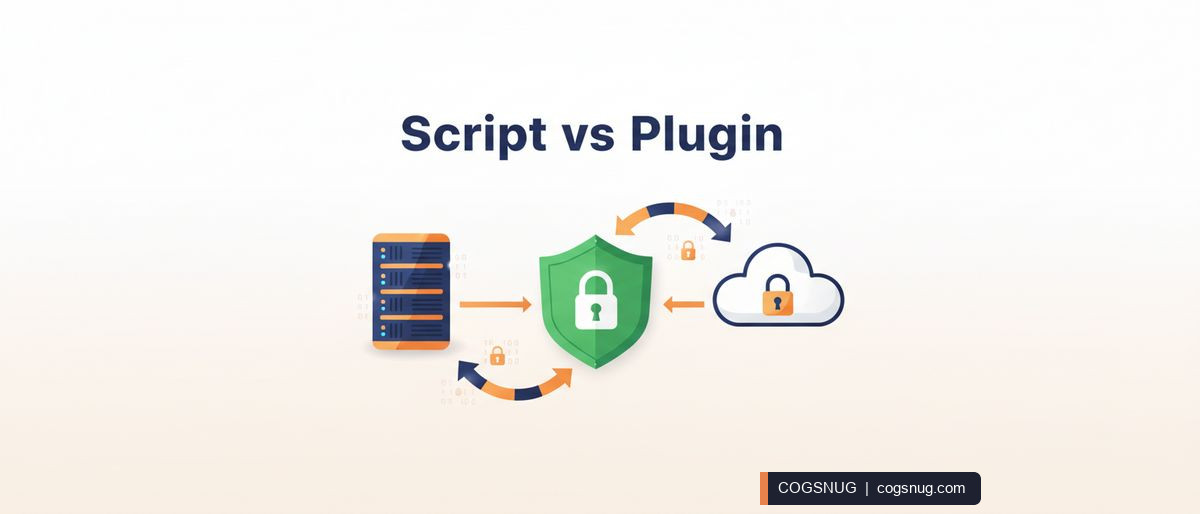
If you run OTOBO, you already have backup scripts: backup.pl and restore.pl. They work, but they were built for manual command-line use, not as a managed backup system. This guide walks through the practical limitations and shows how the Backup Tools plugin replaces them with scheduled, encrypted, multi-destination backups and one-click restore.

How to organise construction project emails in Outlook
Mail Archiver for Outlook
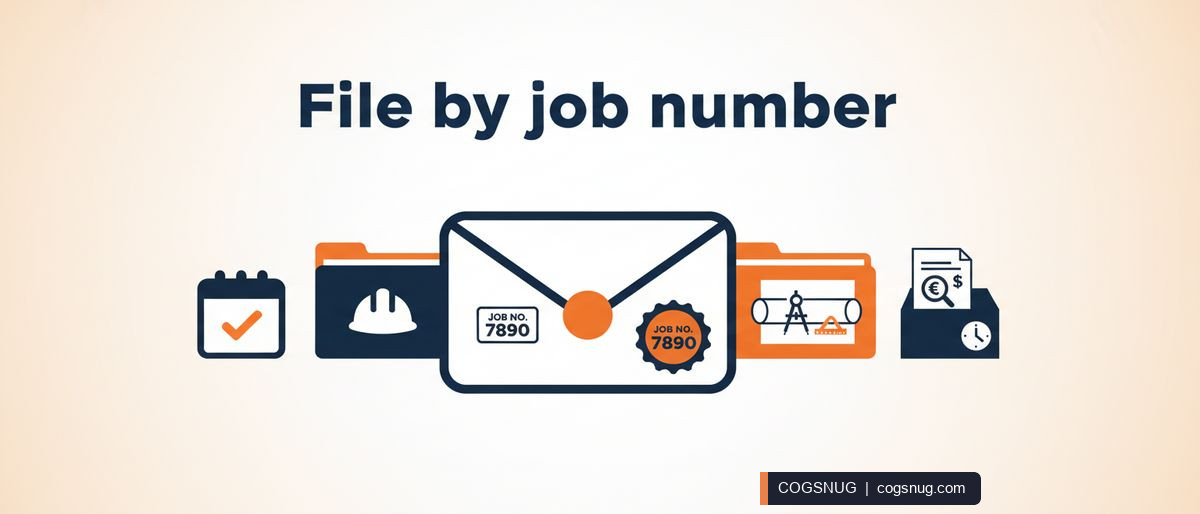
If you work in a construction office, your inbox is probably a mix of tenders, RFIs, valuations and site photos, all with a job number somewhere in the subject line. Finding the right email for a claim or a handover can feel like detective work. This guide shows you how to organise construction project emails in Outlook using Construction mode in Mail Archiving Assistant, so every message lands in the right job folder and stays findable.
How to Undo a Bad Joomla Update: A Recovery Guide
SnugStage
A core update goes through, the page reloads, and suddenly the homepage is a blank white screen. Or a new extension clashes with your template and the checkout stops working. This guide walks you through recovering from a bad Joomla update calmly and methodically, then shows how to set your site up so the next one is a single click to undo.
OTOBO Backup Failed to Sync Offsite? Fix It Today
Backup Tools for OTOBO
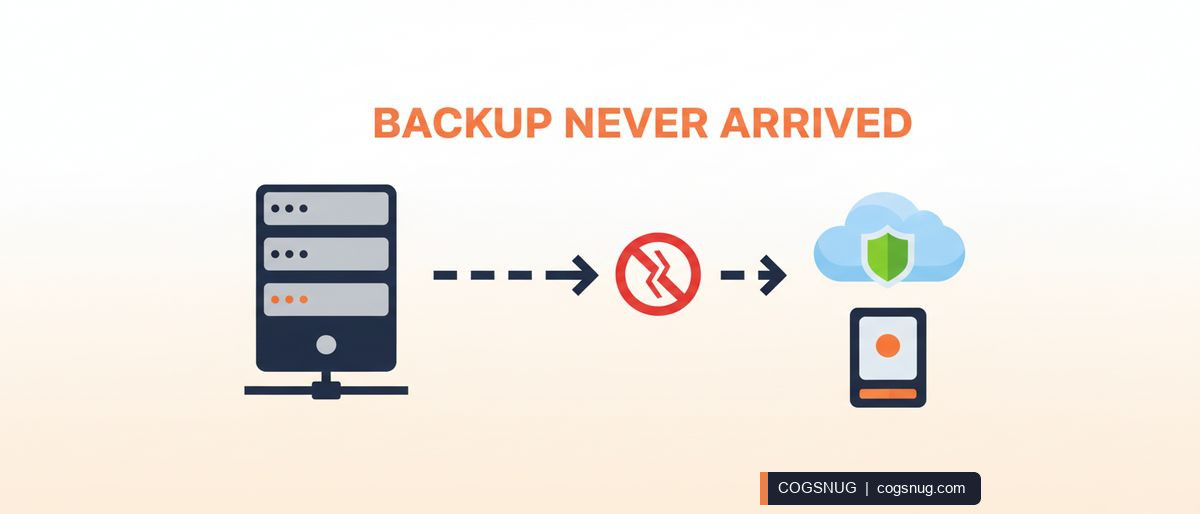
The backup job finished. The dashboard shows a fresh archive. Everyone relaxes. But the copy never actually left the server, so if that server fails you have nothing to restore from. This post shows how to catch that silent failure and make sure it cannot happen again.
How to Create a Joomla Staging Site (No SSH Needed)
SnugStage
If you have ever updated a Joomla extension on your live site and watched something break, you already know why a staging site matters. But the traditional FTP and phpMyAdmin route is fiddly, error-prone and often needs server access you may not have. This guide shows you a simpler way: creating a real staging copy of your Joomla site entirely from the admin panel, using our own product SnugStage.
How to Back Up OTOBO Helpdesk: Admin Panel Walkthrough
Backup Tools for OTOBO
If your OTOBO helpdesk vanished tomorrow, how quickly could you get it back? For most teams the honest answer involves a command line, a half-remembered script and a lot of hoping. This walkthrough shows how to set up automated, encrypted off-site backups entirely from the OTOBO Admin panel — no SSH, no cron, no scripts.